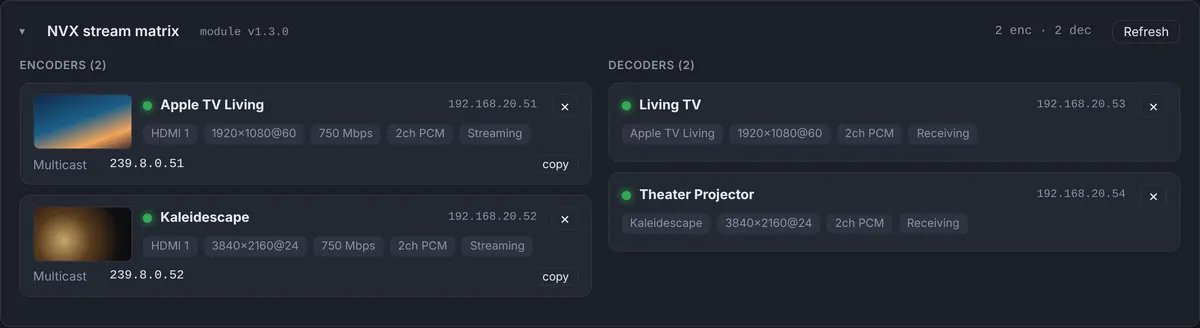
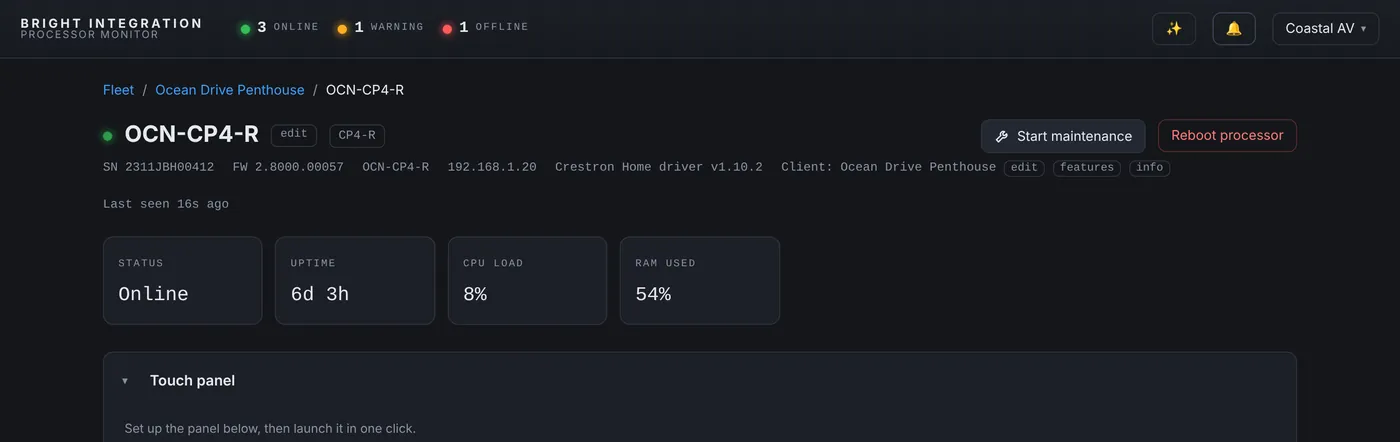
Right after the Web API token issue on our Crestron Home test system, I looked at the NVX panel and both endpoints, a decoder for the TV and an encoder, said “Room off”. My first question was the obvious one: why does the NVX say room off?
Where “Room off” comes from
It doesn’t come from the NVX. On a SIMPL system, the NVX module reads each endpoint directly and reports its input, resolution and stream. On Crestron Home, the monitoring driver works through Crestron Home, and Crestron Home thinks in rooms. So the driver fills in the video source line from the room the NVX belongs to:
- If the room is on, it shows the source the room is watching, such as “Apple TV”.
- If the room is off, it shows “Room off”.
Both of our NVX endpoints are in the Office. The Office was off: no source selected, and the Office NAX zone was on no source as well. So “Room off” was simply true. And because the NAX data had just started flowing again, it was current information, not something left over from the morning.

Where it can look confusing
On a decoder, “Room off” is exactly what you want to know. A client says the TV is black; the dashboard says the room is off; the answer is to turn the room on, not to send a technician.
On an encoder it reads strangely. An encoder streams whatever is plugged into it whether or not its room is on, so the room’s state doesn’t really describe it. I considered changing the wording to “Office: off” and hiding it on encoders. In the end we kept it as it is: once you know the line follows the room, it is consistent and easy to read.
How to read NVX on Crestron Home
- Online state tells you whether the endpoint is on the network.
- The source line tells you what the room is doing: a source name when it is on, “Room off” when it isn’t.
- For signal problems while the room is on, look at the encoder feeding it and at the network around both endpoints.
Not every alarming word on a dashboard is a fault. Knowing where a value comes from is half of reading it correctly.
Used in this post
Crestron NVX Monitoring and Crestron Home Monitoring, part of Processor Monitor. $99 per processor per month, cancel anytime.