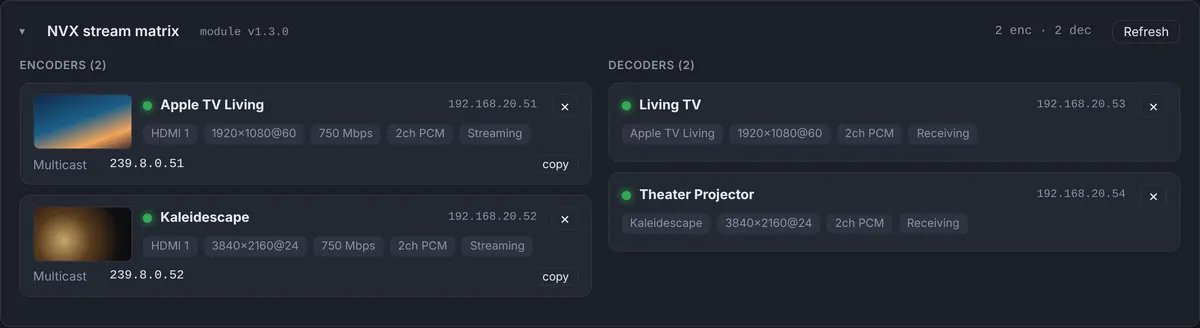
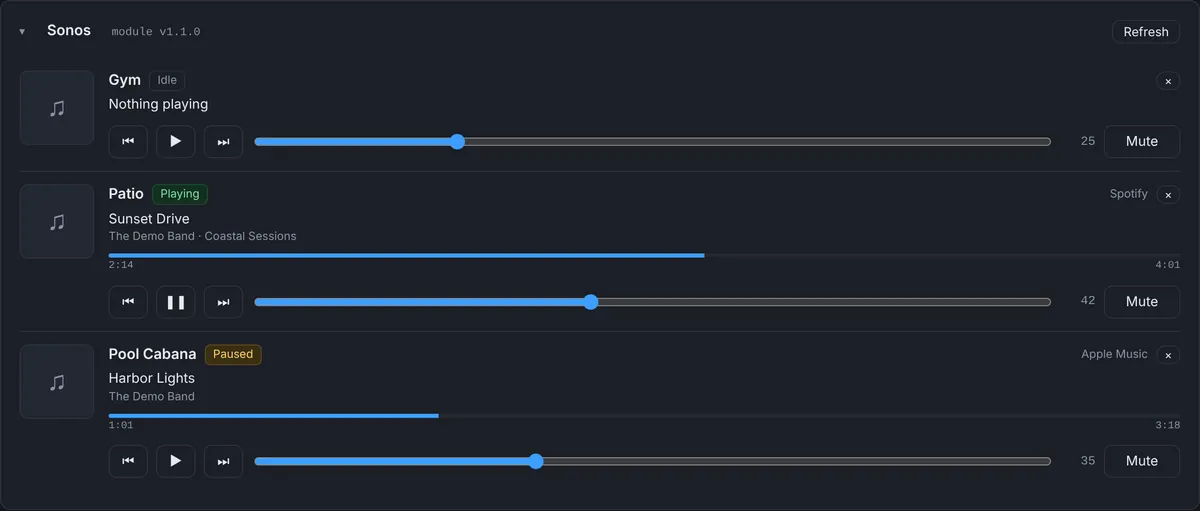
The whole audio system on one screen
Crestron’s DM-NAX amplifiers distribute audio over the network, with each zone able to play a local input or an AES67 stream. That flexibility also makes problems harder to see from the outside: a zone can be on, at volume, and still silent because it is on the wrong source or the stream it follows is gone.
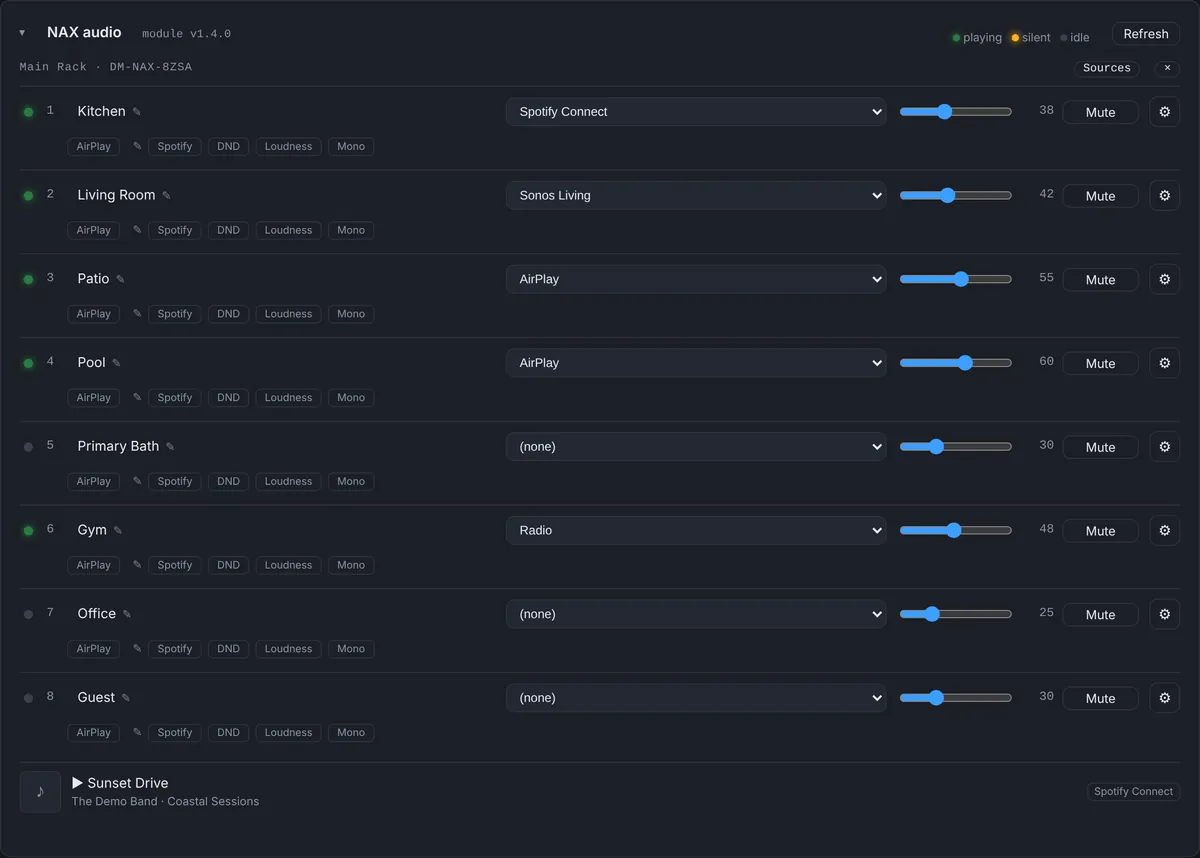
The Bright NAX module reports each amplifier to the dashboard with all of its zones. For every zone you see:
- Name, source, volume and mute, with the volume limits set for that zone.
- Signal present, so a zone that is on but receiving nothing stands out.
- AirPlay, Spotify and casting status, plus the AirPlay name of the zone.
- Do Not Disturb, loudness, mono, bass, treble and balance.
- AES67 stream the zone is following, with its address and receive status.
- Faults: over temperature, over current, voltage and DC faults, and clipping.
The amplifier’s sources and the network streams it can see are listed too, and whatever is playing on its media players shows with title, artist, album and artwork.
Fix it from the dashboard
Most audio calls are not hardware failures. A zone was left on the wrong source, the volume was turned down to nothing, or it was muted from a keypad. From the dashboard you can change a zone’s source, volume and mute, adjust tone and balance, rename its AirPlay name and route it to a different AES67 stream. The change is sent to the processor and applied by the module within seconds.
That turns a truck roll into a two-minute fix while the client is still on the phone, and you can see the result on the same screen.
Alerts for faults and for silence
The NAX alert rule switches itself on as soon as an amplifier reports. It fires in three situations:
- An amplifier fault: over temperature, over current, a voltage fault or a DC fault on any zone, named in the alert.
- The amplifier is offline. The processor’s own IP table is the final word on whether the amplifier is connected, so an amplifier that drops off the network is caught even if the module keeps sending its last known zones.
- The data stops. If no update arrives for more than 5 minutes, the alert says so plainly, and tells you whether the amplifier itself is still online. On Crestron Home, where NAX data is read through the Web API, it says “check the Web API token”, because that is almost always the cause.
The distinction matters. “The amplifier is offline” sends a technician with a replacement in the van. “The data stopped but the amplifier is online” means a module or token problem that can usually be fixed remotely. We ran into exactly that on our own system, and wrote it up in a Crestron Home NAX that stopped reporting.
Crestron Home NAX
On Crestron Home processors, the Crestron Home driver reads the media rooms that play through a NAX and shows each one as a zone with its source, volume and mute, which you can change from the dashboard. Controls Crestron Home doesn’t offer are hidden.
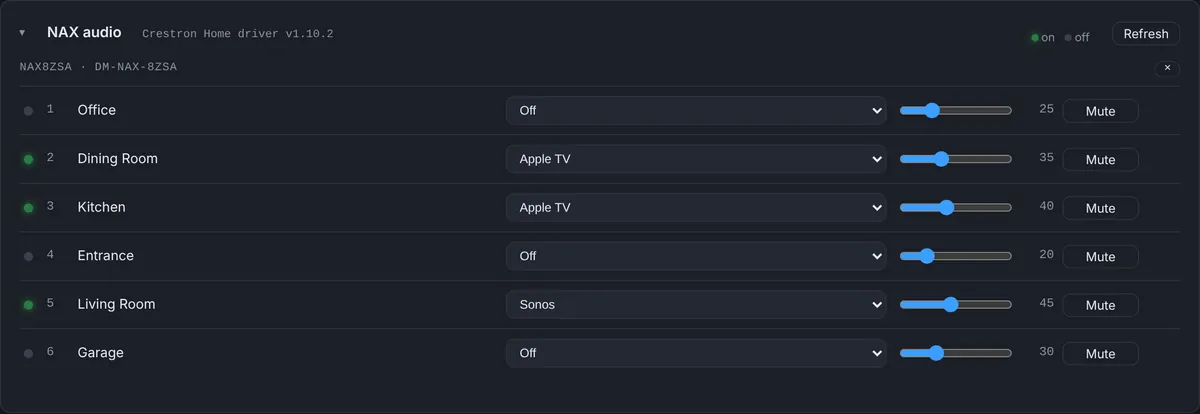
Where NAX fits with the rest of the system
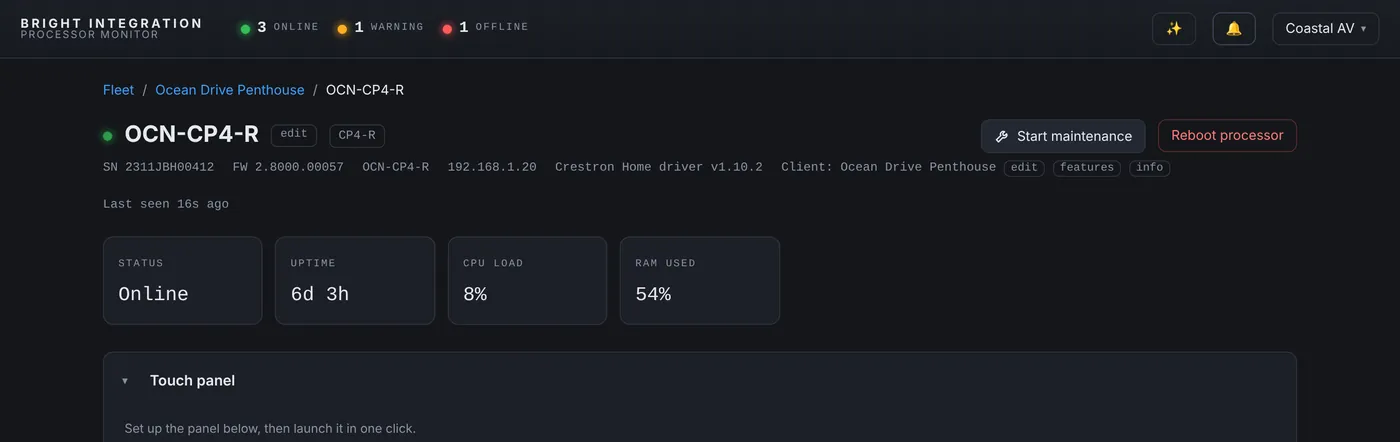
NAX problems rarely come alone. A WattBox outlet that lost power, a network switch that restarted or a processor that rebooted will all show up as audio trouble first. Because Processor Monitor also watches WattBox power, the processor and its IP table, the event log puts the cause and the symptom next to each other.
The audio calls this answers
“No sound in the kitchen”
Open the zone. If it is muted, at zero, or on a source with no signal present, fix it from the dashboard while the client listens. If the source has a signal and the zone is playing at a normal volume, the problem is after the amplifier, in the speaker wiring or the speakers, and you know that before you leave.
“The music stopped everywhere at once”
Every zone losing audio together points to the amplifier, its power or the source they all follow. The panel shows whether the amplifier is online, whether its zones still have signal, and the event log shows whether a WattBox outlet or the processor did something at the same moment.
“It sounds distorted on the patio”
Clipping and fault flags are reported per zone. A zone that clips at the volume the client likes is a reason to adjust its volume limit or gain, and a fault on that channel is a reason to check the speaker run.
Setting it up
- Add the Bright NAX module to the 4-Series program that controls the amplifier.
- Load the program. The module reports through the Bright Monitor Agent already on the processor, so there is nothing else to enroll.
- The NAX alert turns itself on at the first report. On Crestron Home, the Crestron Home driver reports NAX rooms once the Web API token is set.
Questions
Which NAX models are supported?
DM-NAX amplifiers reported through the Bright NAX module on 4-Series processors, and NAX media rooms on Crestron Home through the Crestron Home driver.
Can a technician change the volume without seeing other clients?
Yes. Team members can be limited to specific clients, and their permissions control what they can change.
Does the dashboard need the amplifier’s login?
No. The module on the processor talks to the amplifier; the dashboard only sends requests to the processor.
Will the client hear the change when I adjust a zone?
Yes. The change is real: the zone changes source or volume exactly as if it were done from a keypad or touch panel.
Part of Processor Monitor, the Crestron monitoring dashboard for dealers. $99 per processor per month, every feature included.